Seakeeper 7.5 Operation Manual (90993-1)
4.5 Alarm History

The operator should physically examine the Seakeeper following an alarm. Continuing to reset alarms without service intervention can result in damage or personnel injury.
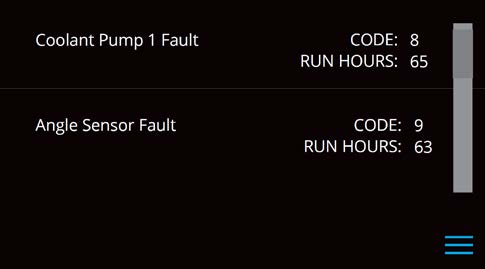
The ALARM HISTORY page in the Seakeeper application displays recent alarms and warnings. Alarms trigger a pop-up message in the Seakeeper App. Warnings will be listed in the alarm history but do not affect Seakeeper operation. The alarms and warnings are in chronological order starting with the most recent. Warnings included in the history page are for issues that do not affect gyro operation.
Press the Menu button  to show the page options, and then the Alarm button
  to show alarm history.