Seakeeper 5 Operation Manual (90960-1)
3.2.1 Start Up
- Make sure AC and DC power are available.
- Turn on the boat’s DC circuit breaker that supplies control power to the Seakeeper.
- Turn on the boat’s AC circuit breaker that supplies power to the Motor Drive Box.
- Energize the 12 VDC Seawater Pump power supply at the customer-supplied circuit breaker (unless a fuse is supplied as overcurrent protection).
- When the high DC power is turned on, the ConnectBox and MFD application will initialize as seen below. The Seakeeper 5 can be powered on and controlled by either the Seakeeper application or the ConnectBox.
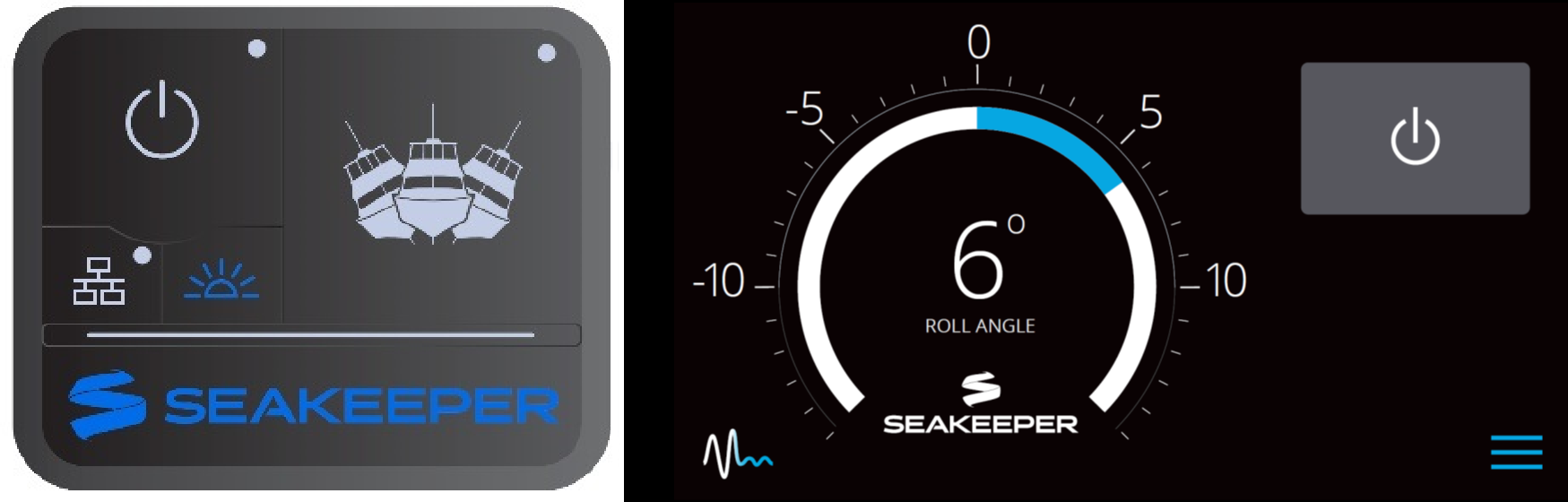
- With the system energized, check the Seakeeper display for any ALARMS. If there are any ALARMS present. Alarms must be addressed to proceed.
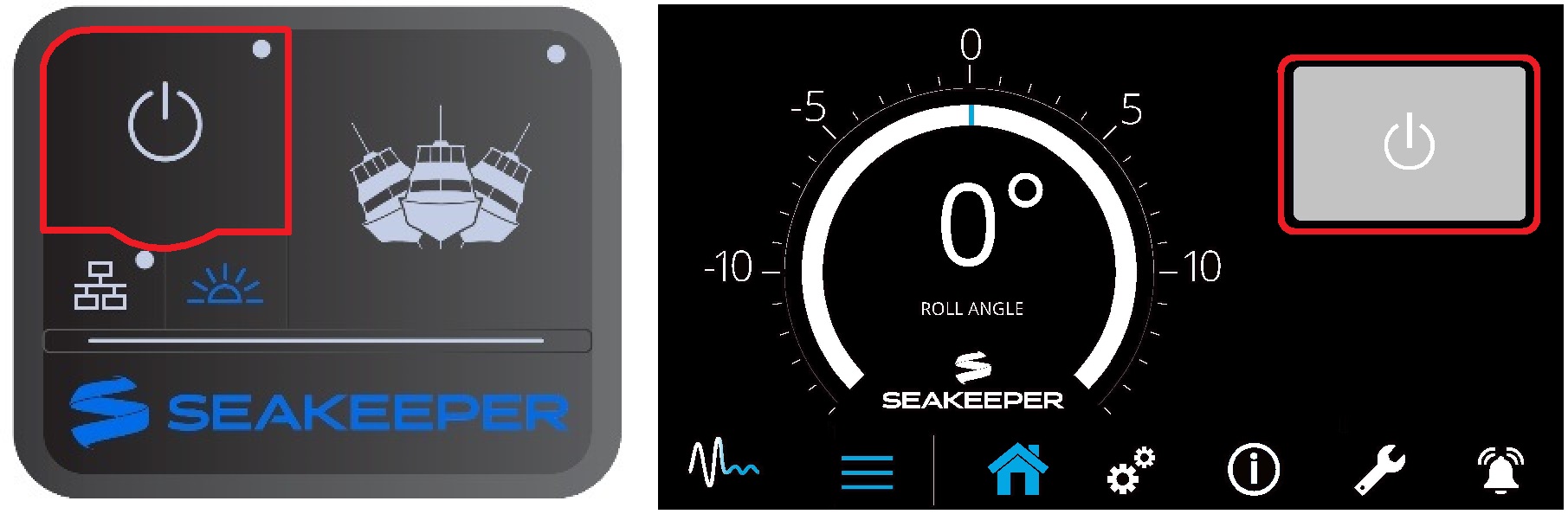
- To turn the Seakeeper on, press the POWER button; the button will turn blue. The progress bar will appear and indicate how soon the Seakeeper will be available for stabilization. The progress bar indicates the flywheel’s speed as it accelerates to its rated operating RPM.
- When the Seakeeper is initialized and up to Stabilization RPM, the STABILIZE button will appear on the application, or if using the ConnectBox, the STABILIZE button will illuminate blue and pulsate. At this point, the Seakeeper is available for stabilization by pressing the STABILIZE button.
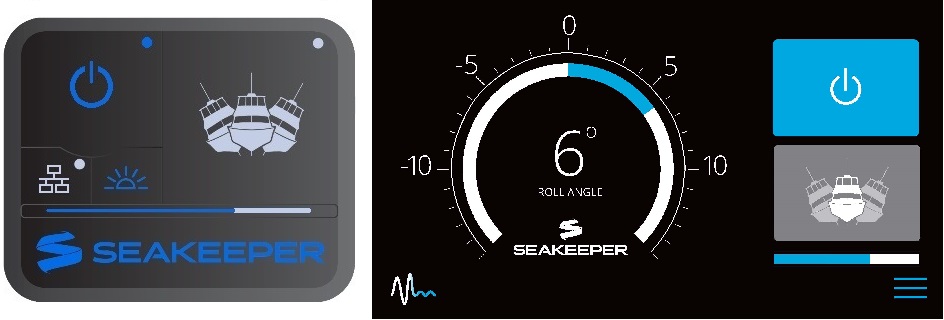
- The progress bar indicating flywheel spool-up will disappear from the display screen once the STABILIZE button is pressed (it turns blue) and the ConnectBox fully illuminates. At this point, the Seakeeper has reached its rated operating RPM, and maximum stabilization is available. If the STABILIZE button has not been pressed (it is grey), pressing it will turn it blue and enable stabilization. The seawater pump will cycle on and off based on the Seakeeper 5’s operating temperature.