Software Module to PC Connection Instructions
Software Module to PC Connection Instructions
- On the Software Module, set dipswitch ‘switch 1’ to ‘ON’, switch 1 is the one furthest away from the USB connector.
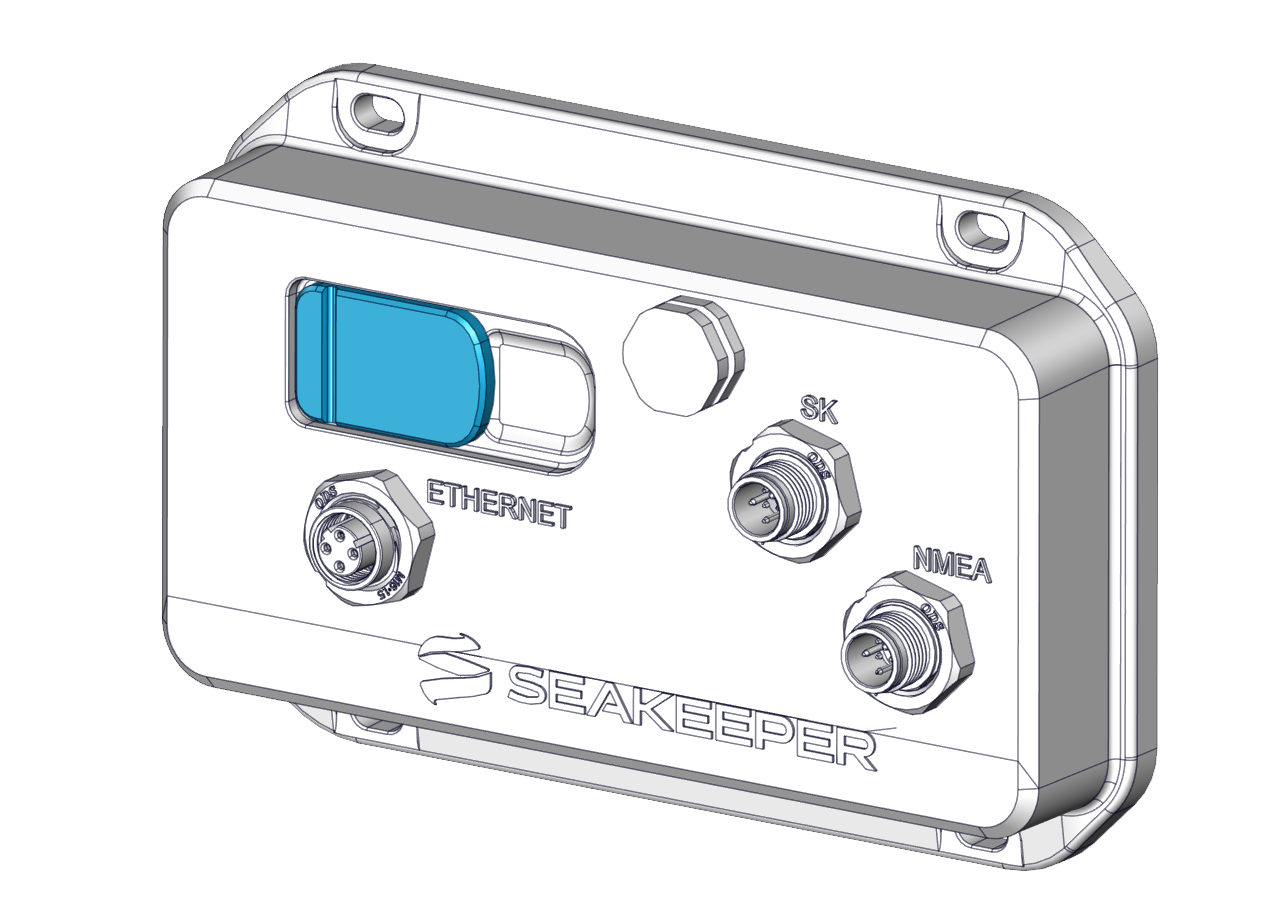
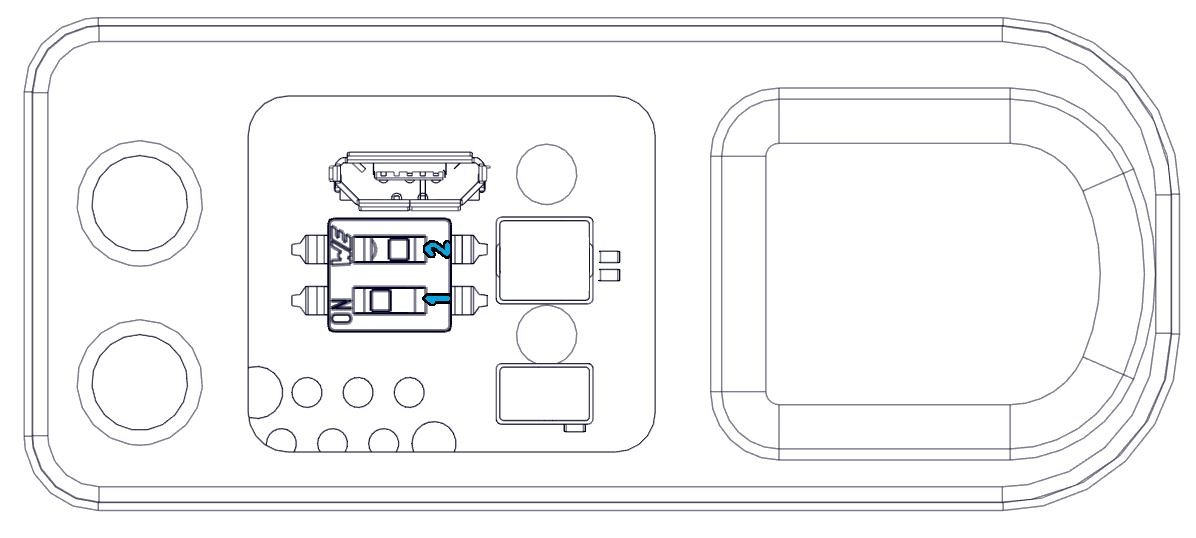
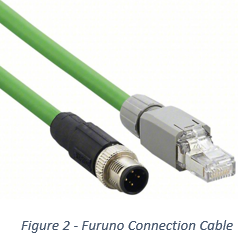
- Using a Seakeeper Furuno connection cable (Part #20506SP).
- Plug the M12 4 pin end to the Software Module Ethernet Port.
- Connect the RJ45 end to your computer or laptop ethernet port.
- Power up the Software Module.
- Powering on Software Module needs to be done after setting the switch to the correct position.
- Go to internet browser such as chrome/edge and type in 172.16.100.1 into the address bar
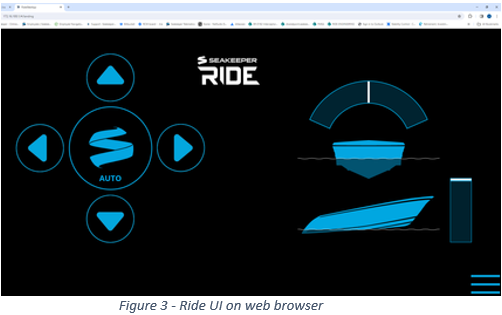
- From here you can control your Seakeeper Ride equipment via your internet browser, use your mouse to click the associated buttons.